Please note that this article only applies to customers that have been migrated to our new e-mail system.
- Sign into your e-mail account at mail.hoatotalaccess.net.
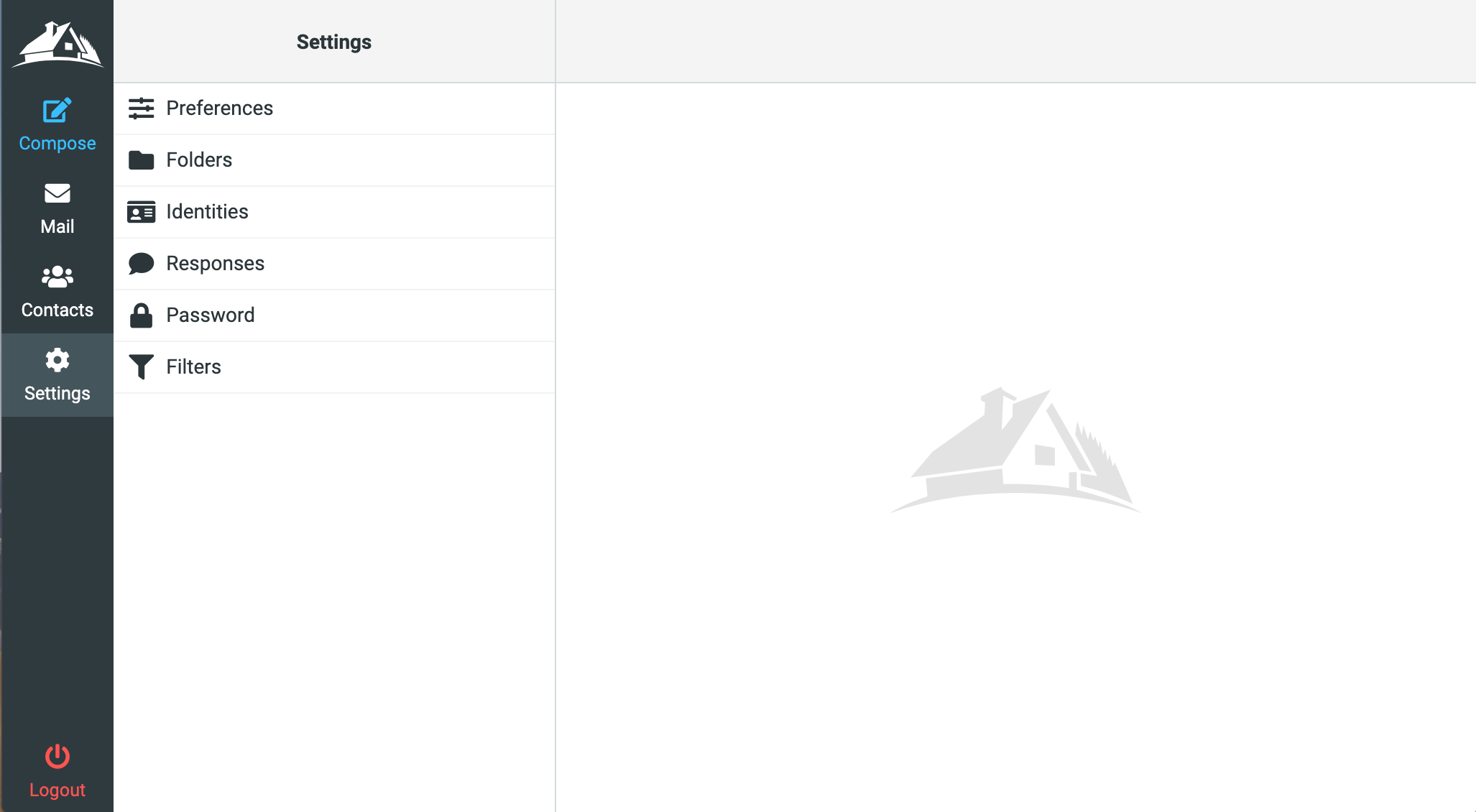
- Click "Settings" in the menu.
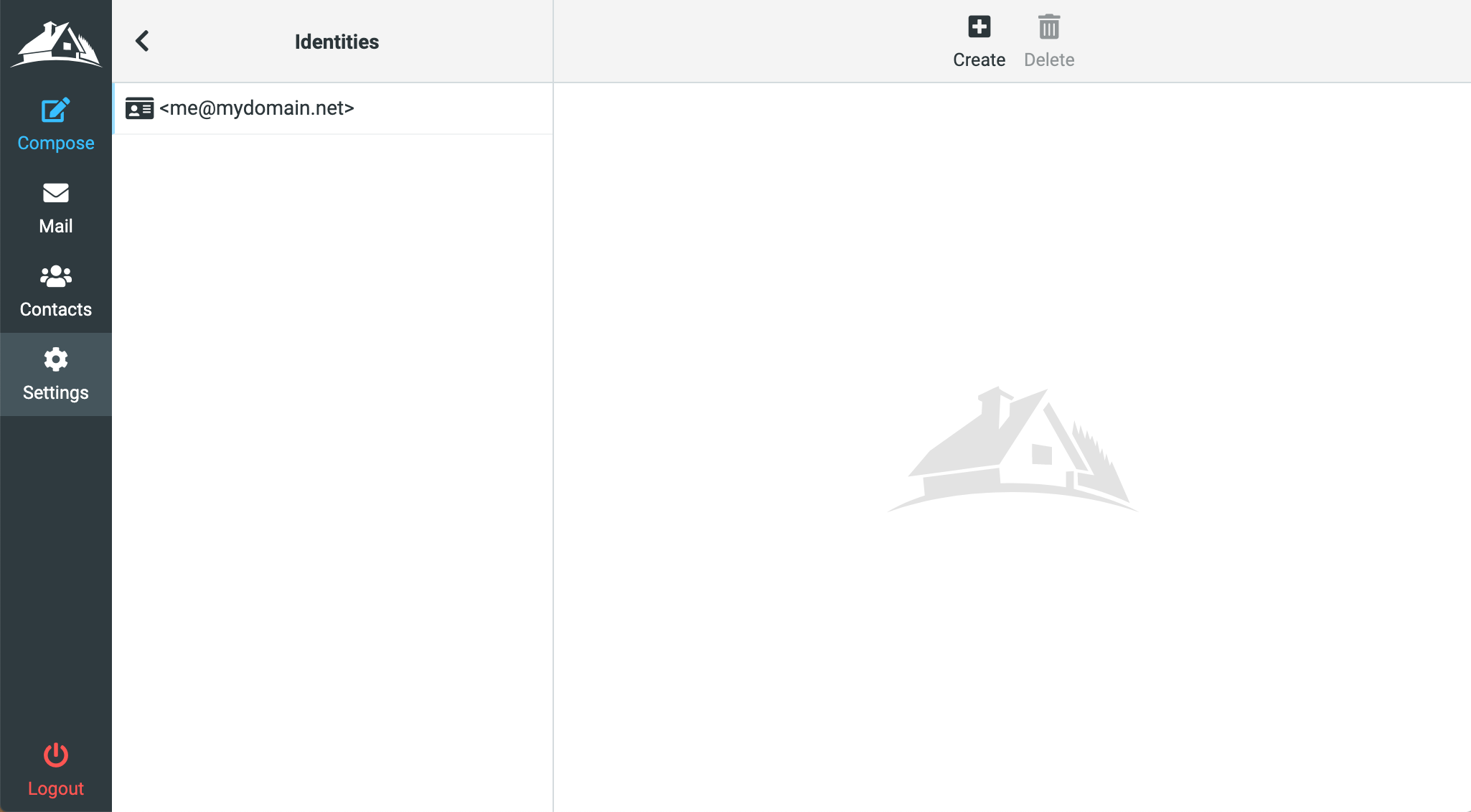
- Click your email address.
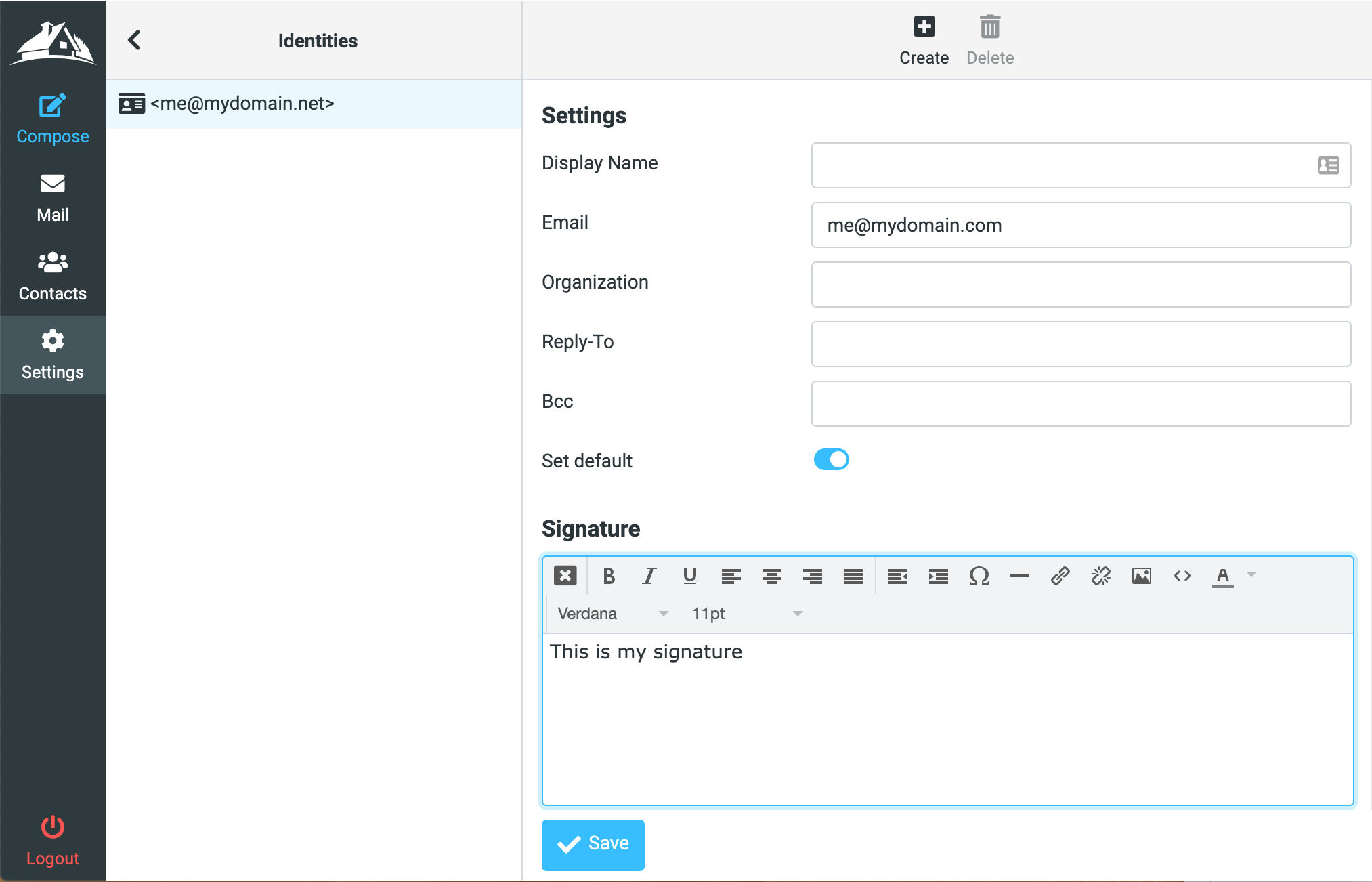
- On the right you will see the Signature. Click the "HTML" link to switch to the editor for more editing options.