
Use this feature to create automated email responses when an email is delivered to your account.
- Sign into your e-mail account at mail.hoatotalaccess.net.
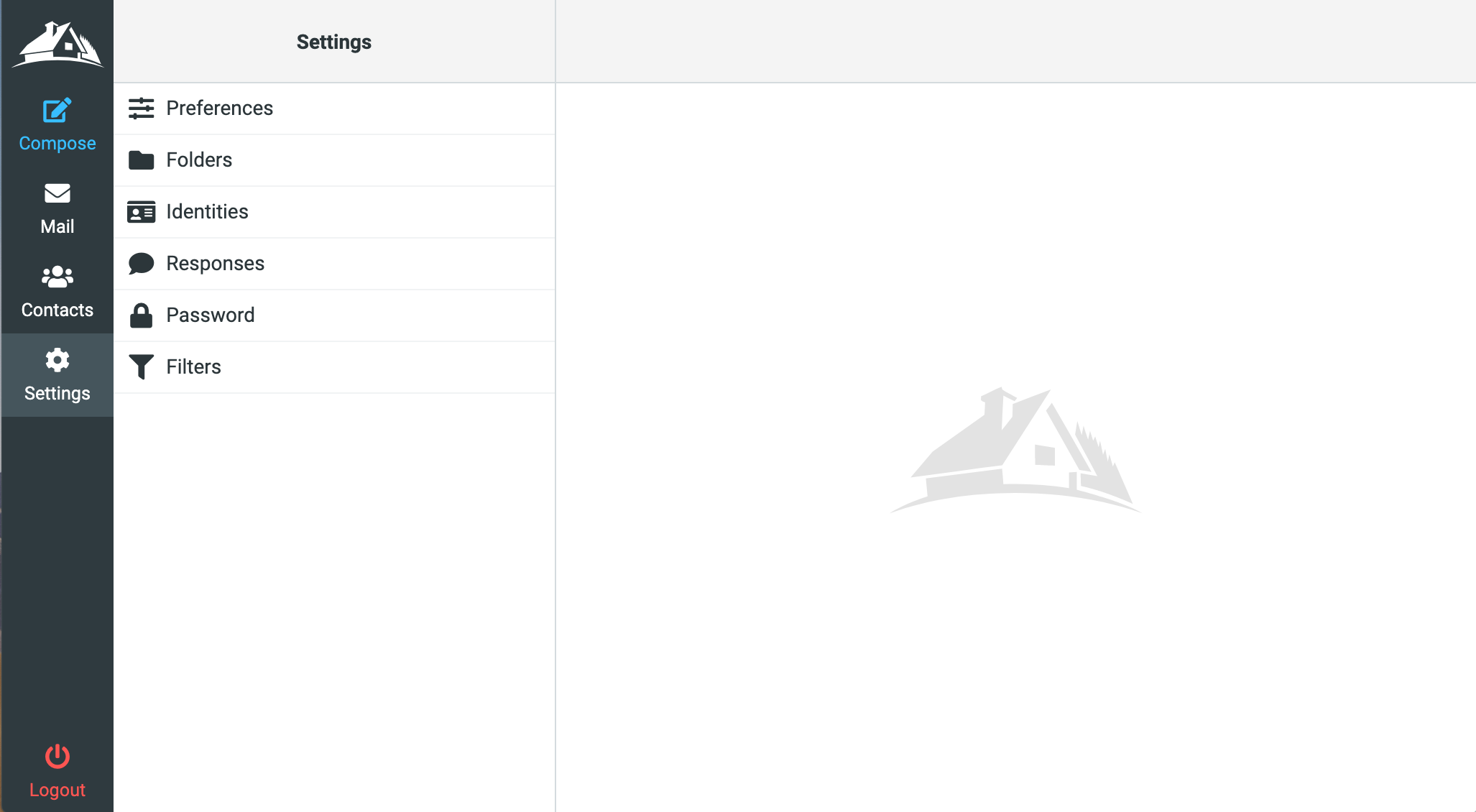
- Click "Settings" in the menu, then select "Filters".
-
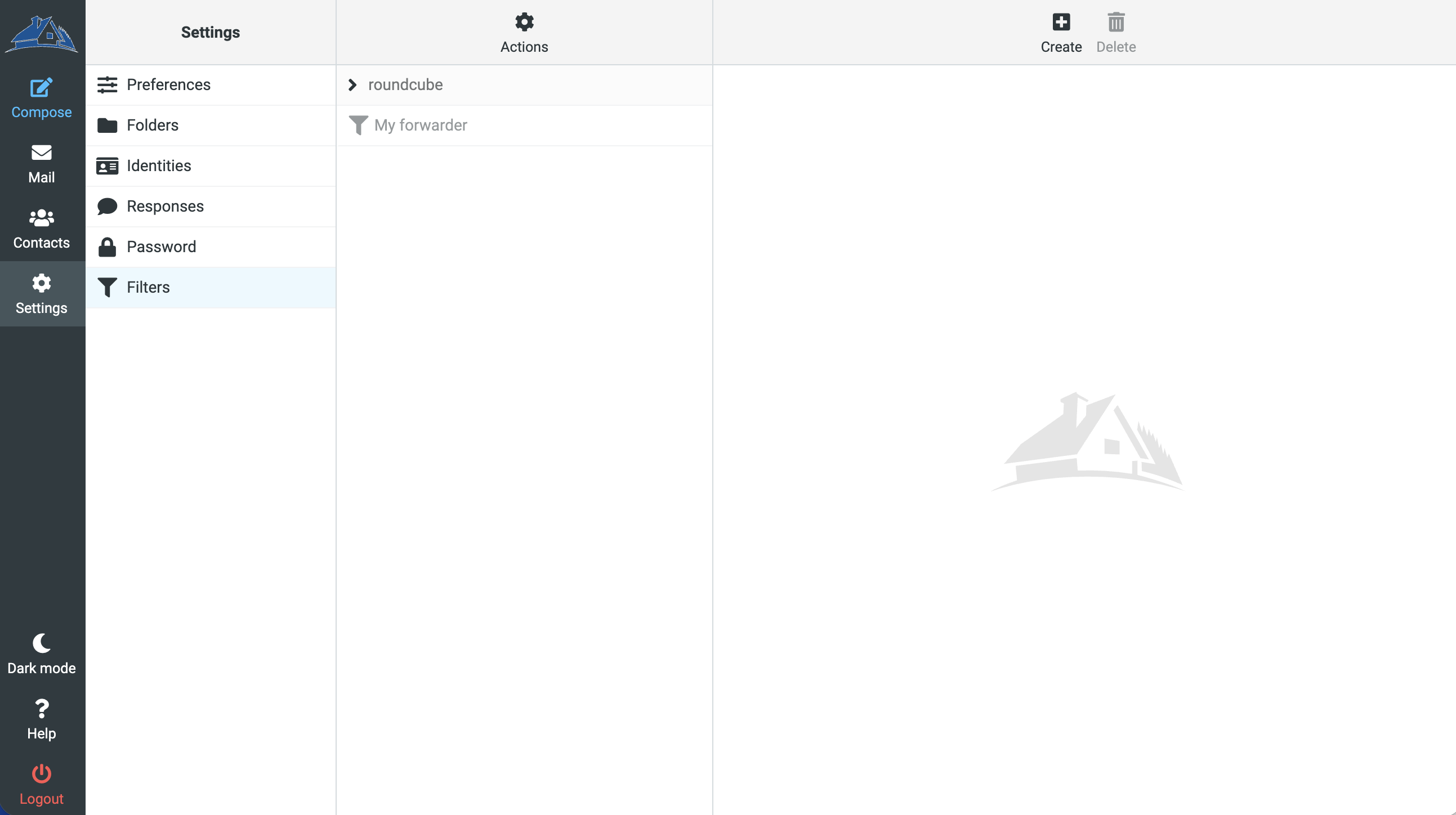
Click the "Create" button in the top right bar.
- Give your filter a name, then select "all messages" next to scope. Under "Actions", select "Reply with message" and enter a message body and subject then click save.