To change the name of a link in the menu bar, utilize the Menu Builder by following these steps:
- Log into the site with an admin account.
- Click on "Administer Site" in the menu.
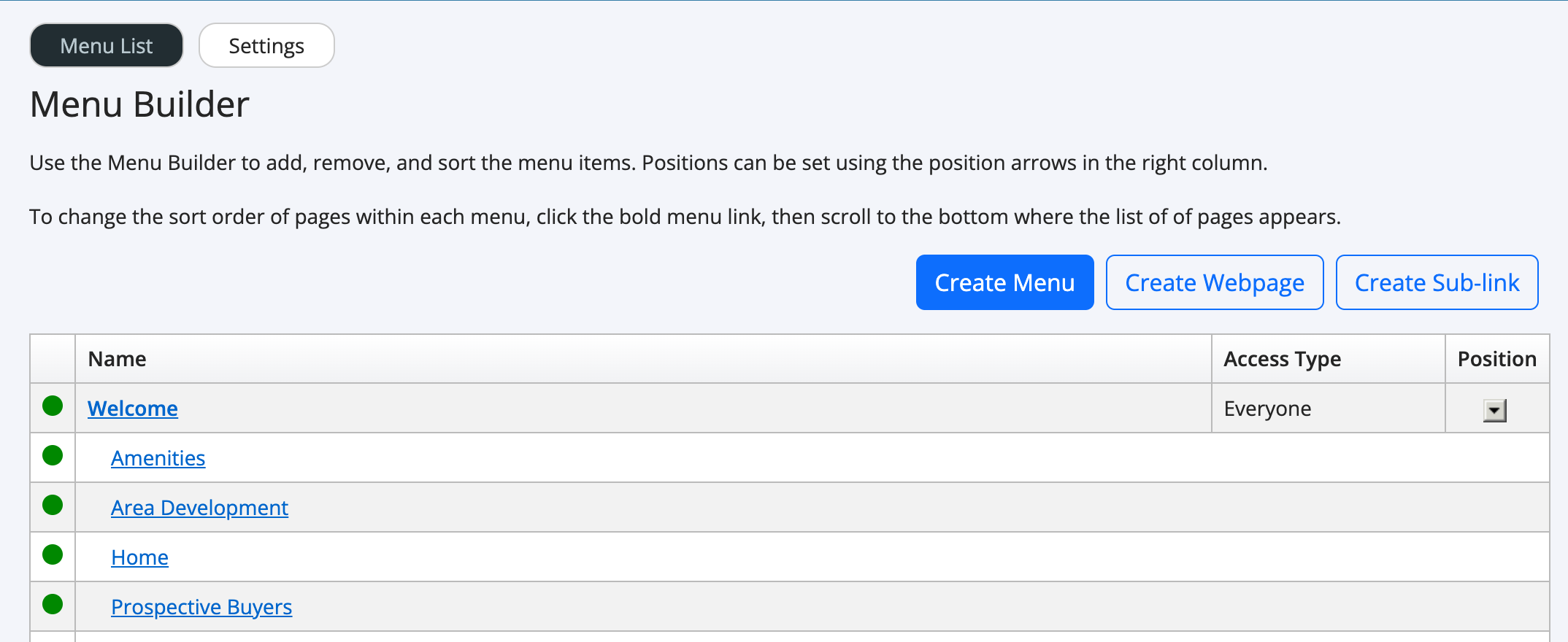
- In the left menu, click "Site Content", then "Menu Builder". You will see a screen similar to this.
- Click the link that you wish to rename.
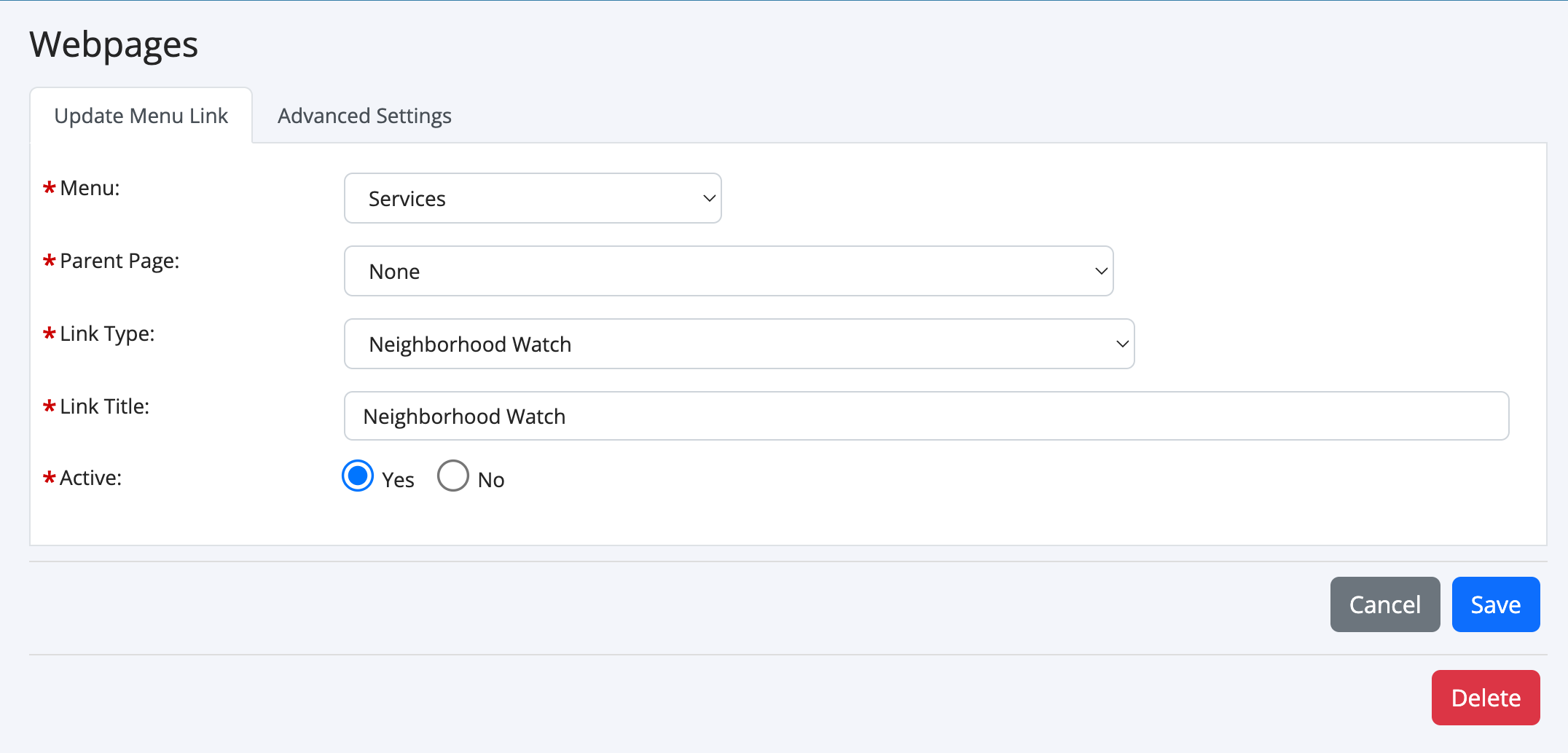
- You should see a screen similar to this one. If the link is to a custom webpage, you may see other options.
- Locate the field "Link Title" or "Page Title" and change the name.