Admin access can be controlled by one of two methods, full access or limited access.
Full Access
To assign full admin access to your entire site:
- Log into the site with an admin account.
- Click on "Administer Site" in the menu.
- In the left menu, click "Users & Groups".
- Select "Users" or "Member List" in the navigation bar.
- Next click the "Create User" button.
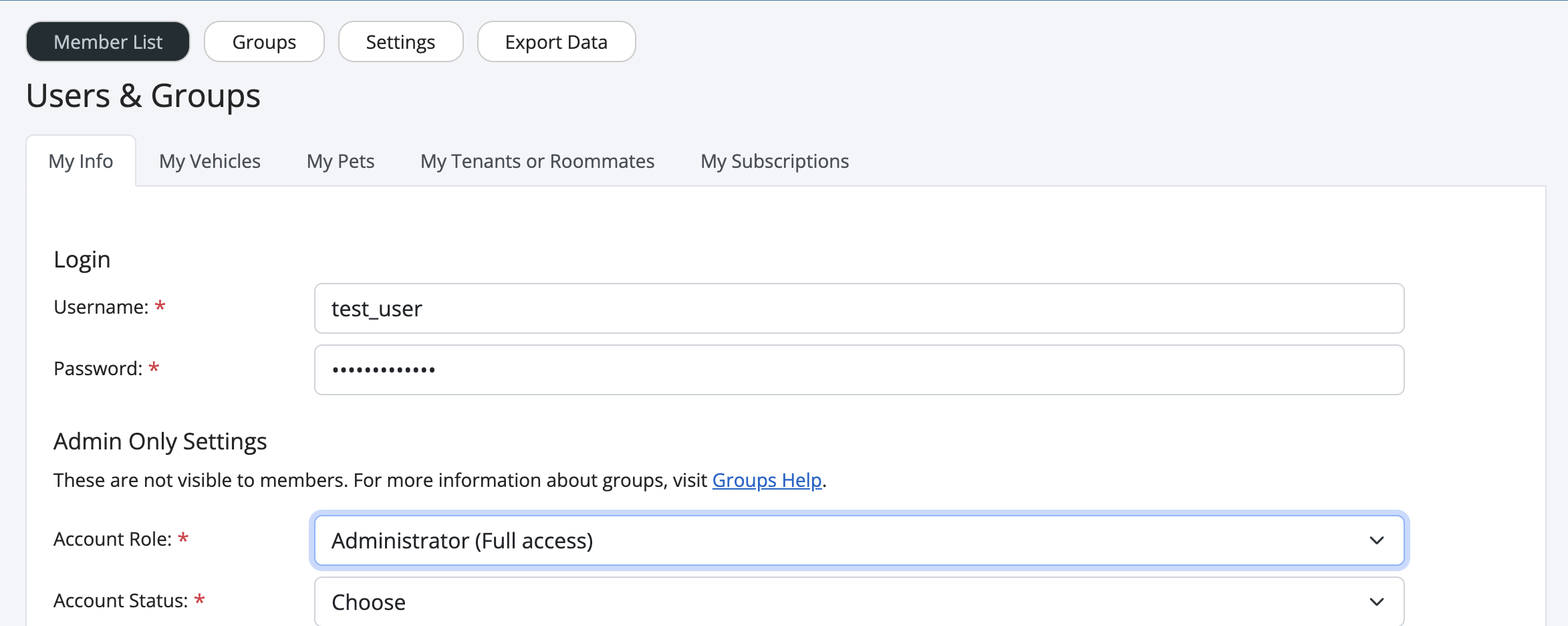
- You should now see a page similar to the below.
- For the "Account Role" option, select "Administrator" and fill out remaining required fields.
Limited Access
To assign limited access to one or more modules without giving a user full access to all functions:
- Log into the site with an admin account.
- Click on "Administer Site" in the menu.
- In the left menu, click "Users & Groups".
- Select "Groups" in the navigation bar.
- Next click the "Create Group" button.
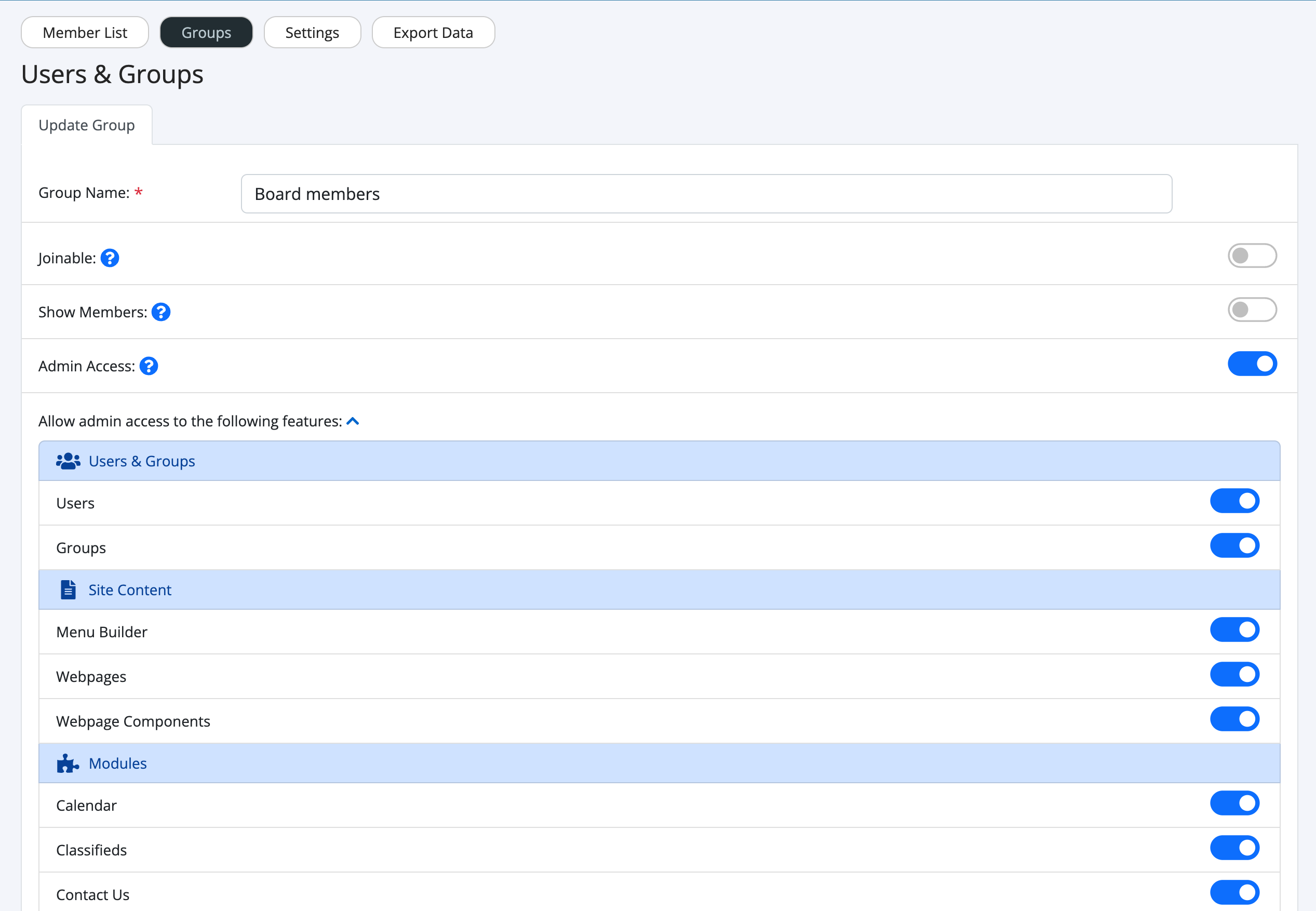
- You should now see a page similar to the below.
- Give your group a name and turn on the toggle for "Admin Access".
- You will now see a list of all the admin features you can enable for that user group.
- After completing this step, assign the user to this group. See "Assigning users to a group" for more details.