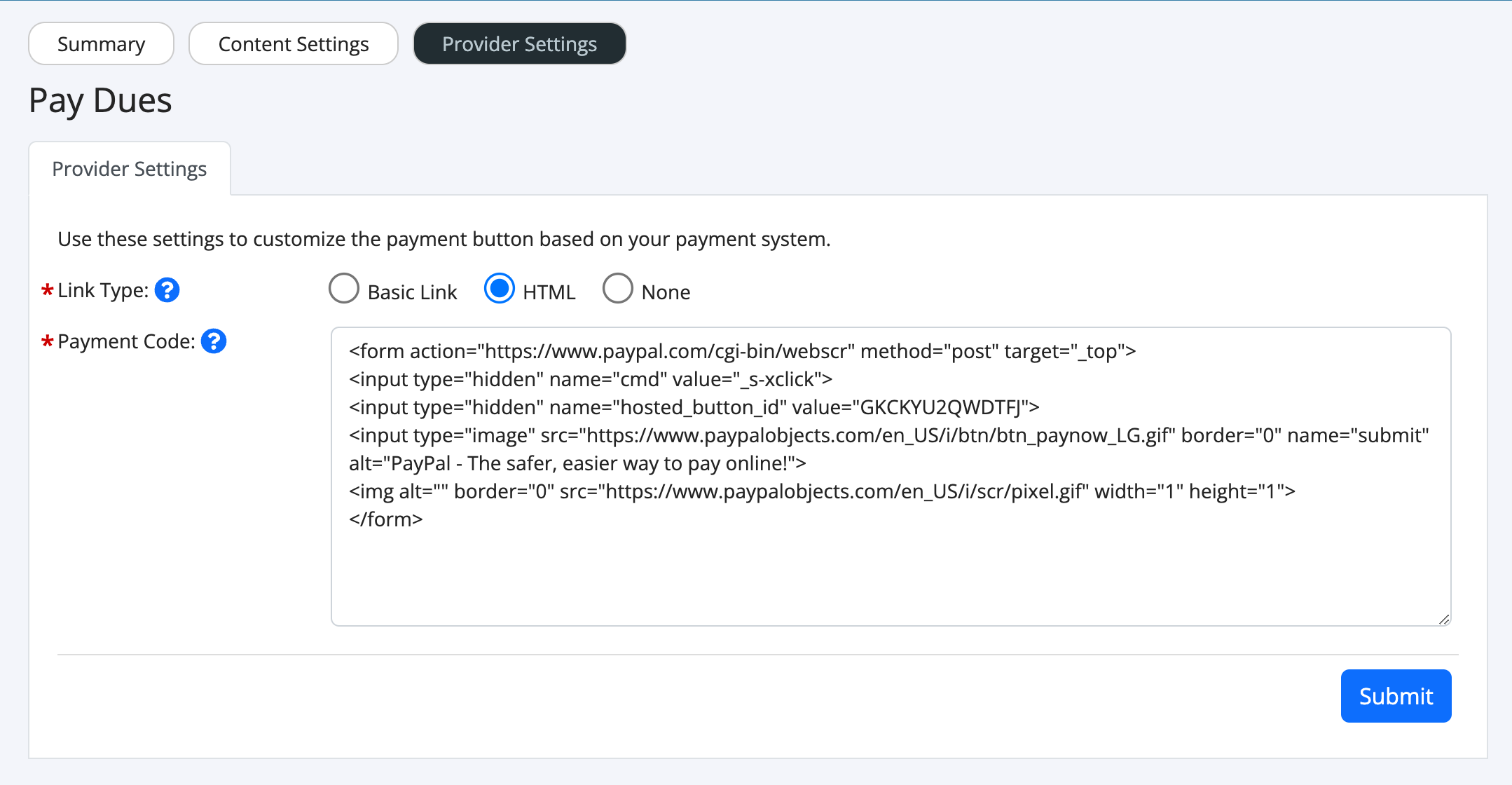
Setting up PayPal to access payments from your HOA website can be done in just a few simple steps.
- Sign into your PayPal account
- Visit the following link: https://www.paypal.com/us/cgi-bin/webscr?cmd=_button-designer
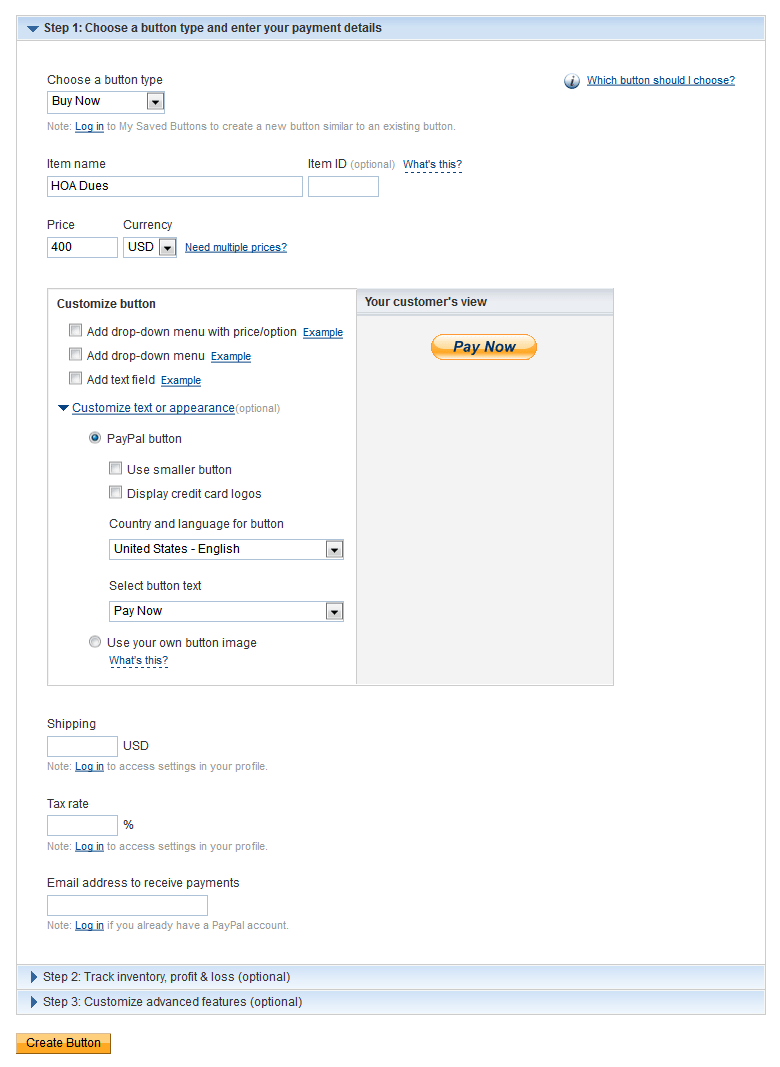
- Fill out the items in Step 1 similar to what you see below. Skip step 2 and 3.
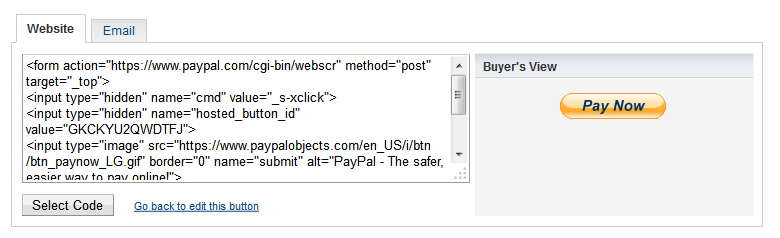
- On the next screen, click "Select Code", then press the "Ctrl" key and "C" on your keyboard to copy the text. If you are on a Mac, press the "Command" key + C.
- Next, go back to the Pay Dues module on your website, click the "Provider Settings" option.
- Click "HTML" for "Link Type".
- Click in the "Payment Code" box and press the "Ctrl" key and "V" to paste the code.