To create a Board Member section of the site, first, you need to create a menu that all the Board member pages will live under:
- Log into the site with an admin account.
- Click on "Administer Site" in the menu.
- In the left menu, click "Site Content", then "Menu Builder". You will see a screen similar to this.
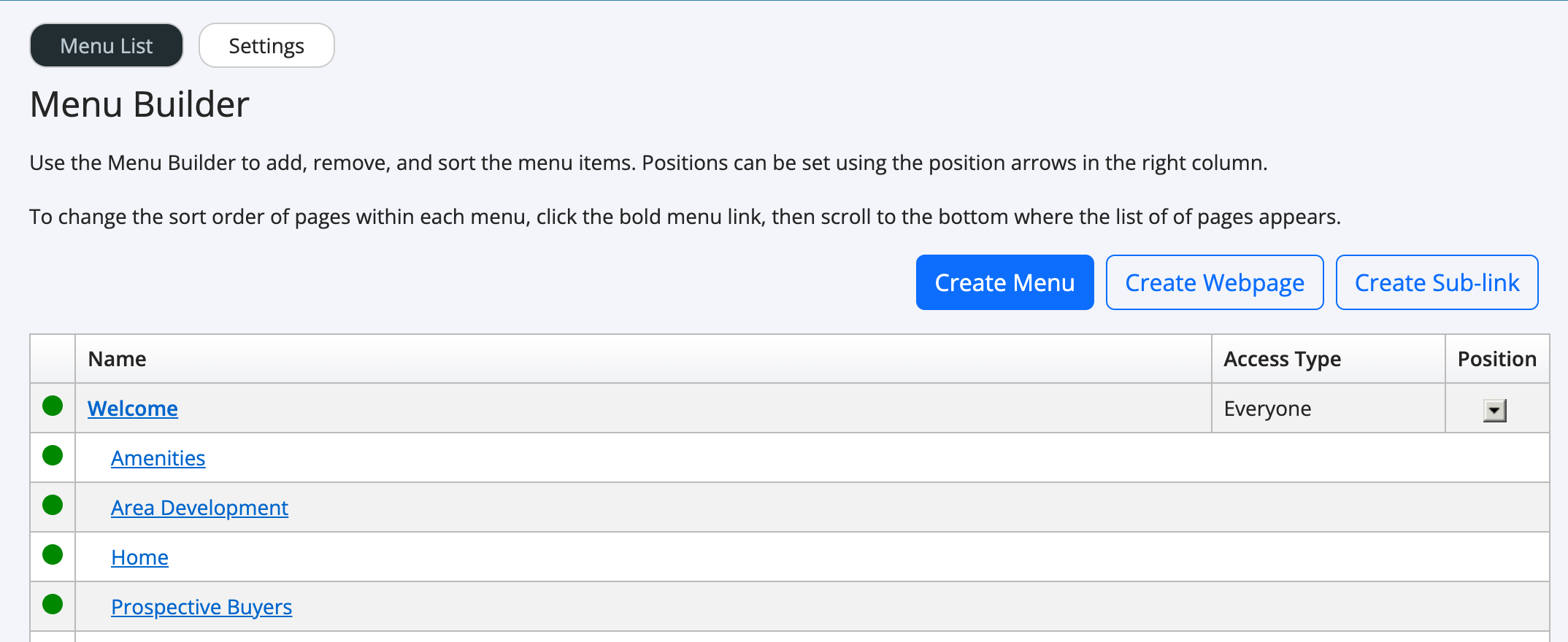
- Click the "Create Menu" button.
- Enter a menu name, such as "Board Members", then set the Access Type to either "Administrators" or "Editors" depending on the group that you have assigned your board members to; then set the active state.
After your menu is created, you can start creating pages (or assigning existing pages) to the new menu.
- In the left menu, click "Site Content", then "Webpages".
- Click the webpage that you'd like to edit or click the "Create Webpage..." button.
- Next to the "Menu" drop down, select "Board Members" or the name that you used in Step 5 in the above section.
- Click "Save"
Article ID: 42, Created: 3/7/2014 at 1:50 PM, Modified: 4/3/2025 at 2:29 PM